
Matter, Thread and HomeKit: What Each One Does
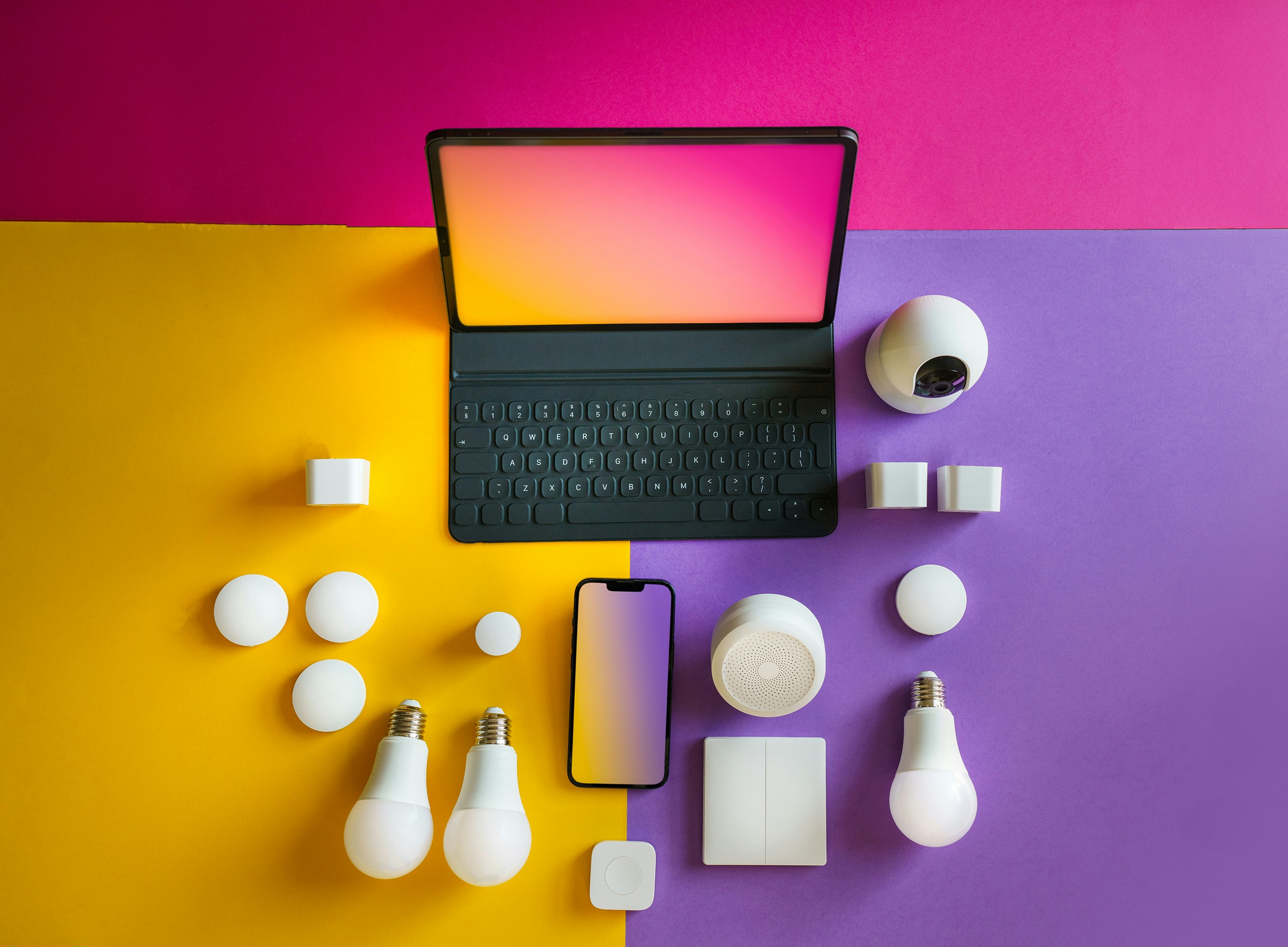
Matter is a compatibility standard, Thread is a network, and Apple Home is the app and platform that controls the finished smart home. They are related, but none replaces the other. A Matter badge tells you a device can join Apple Home; it does not tell you whether the device uses Wi-Fi or Thread, whether you need a HomePod, or whether every feature in the manufacturer’s app will appear in Apple’s app.
That distinction is the quickest way through the smart-home labels on a box.
The four names, without the marketing
| Name | What it is | What it tells you |
|---|---|---|
| Apple Home | Apple’s smart-home platform and Home app | Where you control devices, rooms, scenes and automations |
| HomeKit | Apple’s original accessory framework | A device was built specifically to work with Apple Home |
| Matter | A cross-platform accessory standard | A certified device can be added to compatible platforms, including Apple Home |
| Thread | A low-power mesh network | How some sensors, bulbs, plugs and locks communicate |
Matter can run over Thread, Wi-Fi or Ethernet. Thread can carry Matter, but older HomeKit-over-Thread products also exist. A device can therefore be Matter without Thread, or Thread without Matter.
Is Matter replacing HomeKit?
No. Apple Home supports both native HomeKit accessories and Matter accessories. They sit beside each other in the same rooms and can participate in the same scenes and automations.
The practical difference is portability. A native HomeKit accessory is made for Apple’s platform. A Matter accessory can usually be shared with another Matter platform, such as Google Home or Alexa, without removing it from Apple Home first. That is useful in a mixed-phone household and reduces the risk of a device becoming useless if you change platform later.
It does not mean every platform exposes every manufacturer feature. Matter standardises a common set of controls. Firmware updates, energy-history graphs, animated lighting scenes and other specialist functions may still live only in the manufacturer’s app.
Where Thread fits
Thread is designed for small, low-power devices. Instead of every sensor trying to reach the router directly, mains-powered Thread devices relay traffic through a mesh. Battery devices sit at the edge of that network and sleep when idle.
That makes Thread a good fit for contact sensors, motion sensors, plugs, bulbs, thermostatic radiator valves and locks. It is not a replacement for Wi-Fi on a camera that needs to move video.
A Thread accessory needs a Thread border router to connect its mesh to the rest of the home network. In Apple Home that job can be done by a HomePod mini, a second-generation HomePod, or a compatible Apple TV 4K. Check the exact Apple TV model: not every version has a Thread radio.
Do you need a HomePod or Apple TV?
For a useful Apple Home setup, yes. Apple now permits some local Matter pairing without a hub on recent iPhones, but a home hub is still what provides:
- control while you are away;
- automations that run when your phone is not home;
- shared control for other people;
- a Thread border router for Matter-over-Thread accessories;
- HomeKit Secure Video recording for compatible cameras.
The HomePod mini is the simple default: it becomes a home hub automatically and includes Thread. An Apple TV can be the better hub when you already want one under the television, but verify the model before assuming it supports Thread. Apple’s current home-hub instructions list the supported roles and hardware.
What the Matter badge does not guarantee
It does not guarantee Thread
Two otherwise similar Matter bulbs may use different networks. Nanoleaf, for example, sells current Matter bulbs in both Wi-Fi and Thread versions. The Thread model needs a border router; the Wi-Fi model does not join the Thread mesh at all. Read the connectivity line, not merely the Matter logo.
It does not guarantee feature parity
A Matter smart plug may switch perfectly in Apple Home while its power graph remains in the manufacturer’s app. A coloured bulb may expose power, brightness and colour but keep its animated effects elsewhere. Buy on the features Apple Home exposes if that is where you intend to control it.
It does not make an old device Matter
Some bridges gained Matter through firmware and brought their existing child devices with them. Most individual Wi-Fi and Bluetooth accessories did not. Unless the manufacturer explicitly offers an update for that exact model, a Matter logo on the new version says nothing about the old one.
It does not eliminate bridges
Philips Hue is the obvious example. The Hue Bridge can expose a large Zigbee lighting system to Matter. The bulbs still use Zigbee and the bridge still does the translation. Matter makes the system visible to more platforms; it does not change the radio inside each bulb.
What to buy now
Choose Matter over Thread for small devices when you already have a Thread-capable home hub. It keeps battery devices off Wi-Fi and gives the mesh more routes as you add mains-powered Thread plugs and bulbs.
Choose Matter over Wi-Fi when the product is mains powered, your Wi-Fi is solid and you do not own a Thread border router. There is no technological purity prize for Thread: the accessory needs to work in the house you have.
Choose a native HomeKit product when it does the job better. A mature HomeKit camera or appliance does not become obsolete merely because it lacks a Matter badge. Cameras are a particularly poor place to buy on Matter promises; buy for the support that exists on the day you order.
The rule is simple: buy for today’s compatibility, not tomorrow’s firmware.
A sensible first setup
Start with the hub, one light or plug, and one sensor. That is enough to build an automation you can actually judge before filling the house with one brand. Our Apple Home starter-kit guide puts those pieces together, and the directory lets you compare all Matter and HomeKit lights, sensors and power points.