
 airplay-enabled receivers
Sonos
Sonos is an American multi-room audio company founded in Santa Barbara in 2002. Its speakers, soundbars and Port streamer support AirPlay 2.
Affiliate links: we may earn a commission if you buy through them, at no extra cost to you.
Some links below are affiliate links: we may earn a commission if you buy through them, at no extra cost to you.
Sonos and Apple Home work together, but not in the way the phrase “HomeKit compatible” leads people to expect, and the gap between the two is worth understanding before you buy a speaker on the strength of it.
What you get is AirPlay 2. A Sonos speaker appears in the AirPlay picker in Control Centre, in the share sheet, and in the Home app as a speaker you can play to. You can assign it to a room, group it with other AirPlay 2 devices around the house, and make it the audio output of a scene or an automation. Ask Siri to play something in the kitchen and it arrives in the kitchen.
What you do not get is an accessory tile. Sonos speakers are not HomeKit accessories. There is no power switch and no volume slider of the sort a HomeKit plug or light gives you, and you cannot write an automation that changes a speaker’s source. Volume, grouping, streaming service accounts and every setting stay in the Sonos app. That is the same arrangement as every AirPlay 2 receiver in this directory, and in practice it matters less than it sounds: what people want from Sonos in Apple Home is for music to arrive in the right room, and it does.
It is also why searches for a Sonos Homebridge plugin exist at all. Bridging software is the community’s answer to the missing accessory tile. It is not something Sonos ships, and it is outside what this directory covers.
Adding a Sonos speaker to Apple Home
There is no pairing step and no eight-digit setup code — this is not HomeKit accessory setup.
- Set the speaker up in the Sonos app first, on the same Wi-Fi network as your iPhone. AirPlay is not available until the speaker is on the network.
- Play something, then tap the AirPlay icon in Control Centre or in the app you are playing from. The speaker is in the list.
- To put it in a room in the Home app, open the Home app, find the speaker under the room it landed in, and move it if it is in the wrong one.
If the speaker never appears in the AirPlay list, the phone and the speaker are almost always on different networks or different bands — a guest network, or a 5 GHz band the speaker is not on. That is the cause nine times in ten, before anything else is worth trying.
The Sonos products in this directory
Soundbars
The Sonos Arc is the full-size soundbar at the top of the range. Check price on Amazon UK
The Sonos Beam (Amazon UK) is the compact one, and the size most living rooms actually want. The Sonos Ray (Amazon UK) sits below both — the cheapest way into the system for a television.
Speakers
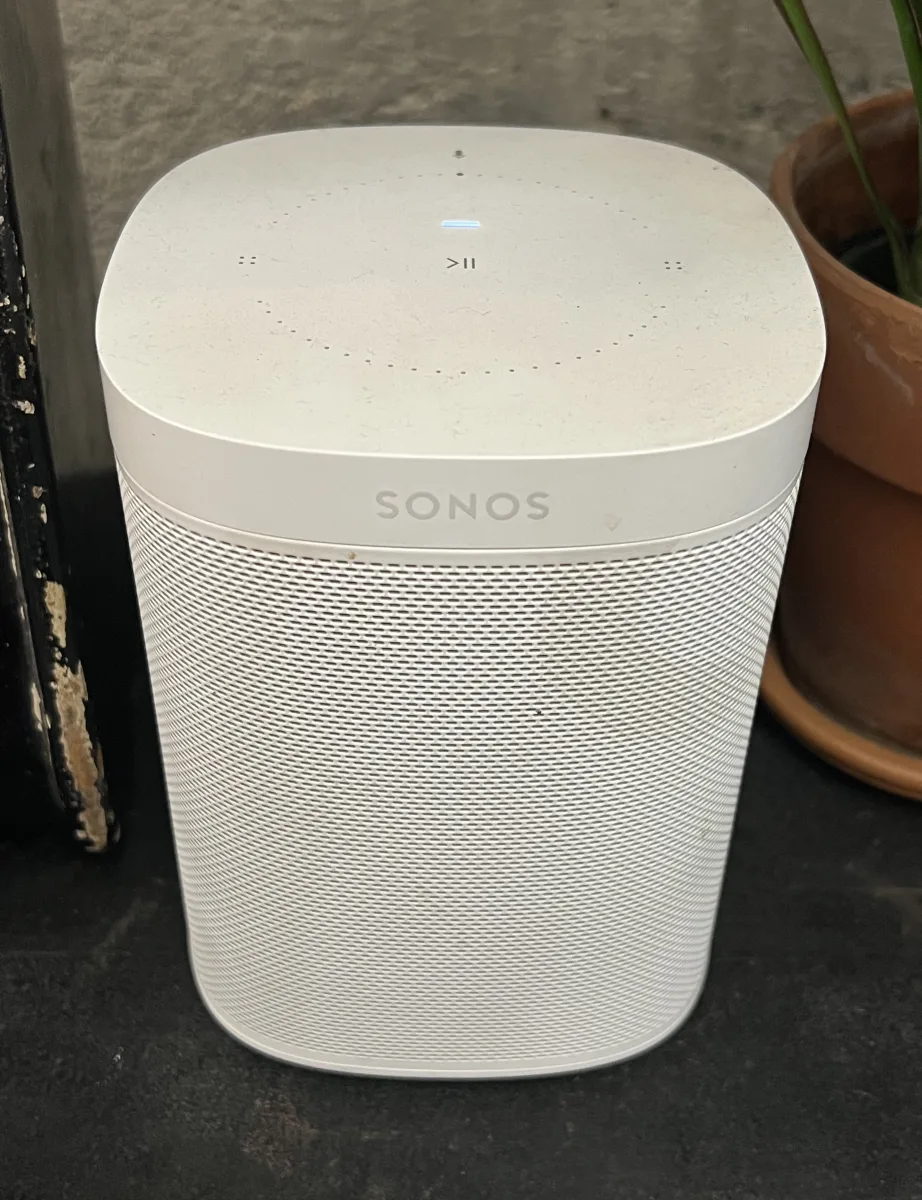
The Sonos One SL is the microphone-free speaker: the same hardware as the Sonos One without the voice assistant, which is the right choice if the phone is doing the talking anyway. Check price on Amazon UK
The Sonos Five (Amazon UK) is the large stereo speaker with a line-in socket, and the Sonos Move (Amazon UK) the battery-powered one that goes outside.
Feeding speakers you already own
The Sonos Amp drives a pair of passive speakers and puts them into the Sonos system alongside everything else. Buy it because you already own Sonos, or because you want in-ceiling speakers on the same system as the ones on the shelf. Check price on Amazon UK
What to check before you buy
That the speaker has AirPlay 2 at all. Sonos has been making speakers since 2005 and the older ones predate it. Everything on this page is listed here because it has it; a second-hand Play:1 or Play:3 from the classifieds is a different question, and the model name on the grille is the thing to check.
Ethernet, if the speaker never moves. AirPlay 2 is only as good as the network under it, and a dropout in the middle of an album is the complaint people actually make.
A home hub, for the automation half. Playing to a speaker from your phone needs nothing. Putting it in a scene or an automation that runs when you are not holding the phone needs a HomePod or an Apple TV in the house.
Whether you want Sonos at all, or an AirPlay 2 speaker. If the goal is music in one room and nothing more, the AirPlay-enabled speakers page has cheaper ways to get it. Sonos earns its price through the multi-room system and the app, not through the protocol Apple gave everyone.
Showing 9 of 9 products
Some links below are affiliate links: we may earn a commission if you buy through them, at no extra cost to you.
airplay-enabled receivers airplay-enabled speakers
airplay-enabled speakers
airplay-enabled speakers
airplay-enabled speakers
airplay-enabled speakers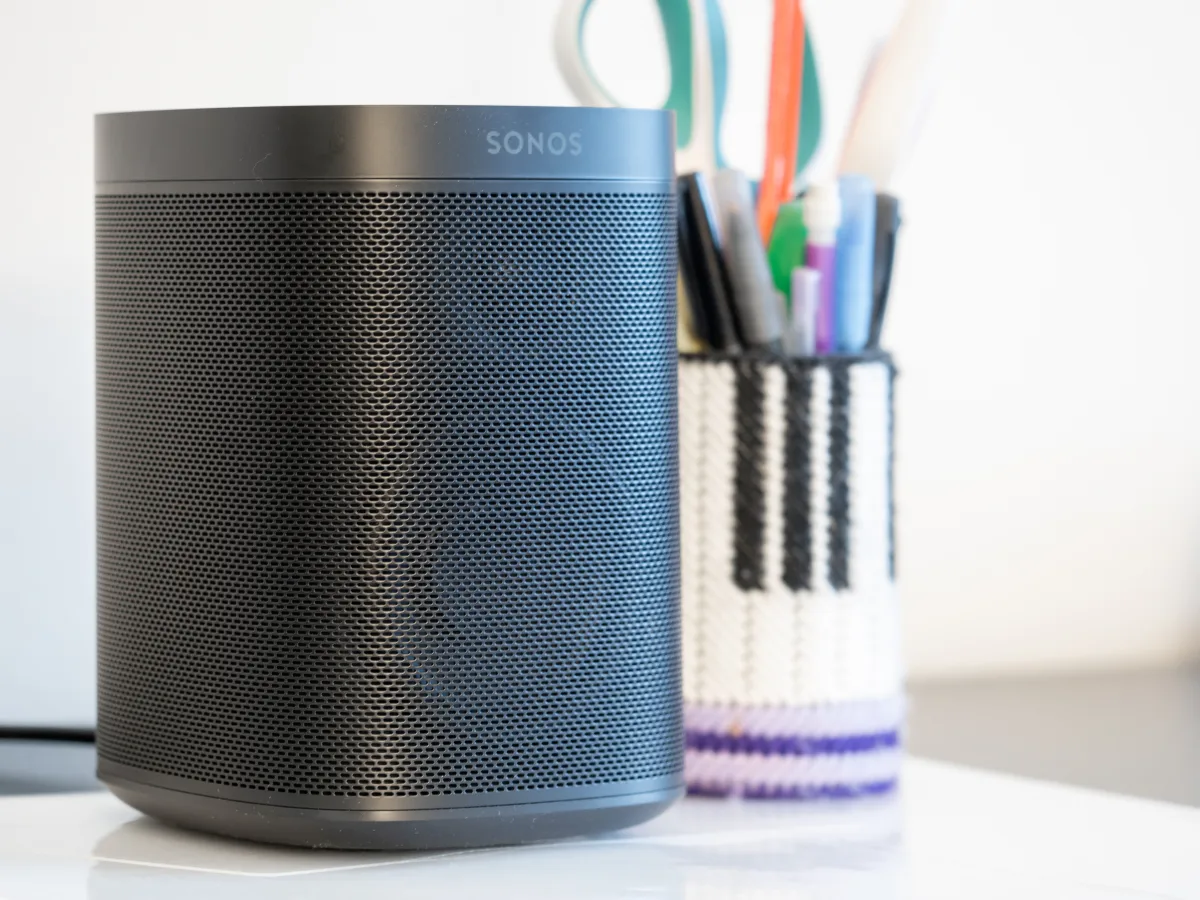
 airplay-enabled receivers
airplay-enabled speakers
airplay-enabled speakers
airplay-enabled receivers
airplay-enabled speakers
airplay-enabled speakersWhy Choose Sonos for HomeKit?
Sonos offers unmatched audio quality, minimalist aesthetics, and effortless Apple integration. With AirPlay 2 support across its speaker lineup, Sonos allows you to stream music from any Apple device and control playback through Siri and the Apple Home app—no bridge or hub required.
Popular Sonos HomeKit-Compatible Products
- Sonos Era 100: A compact, powerful smart speaker with wide stereo sound and AirPlay 2 support, perfect for any room in the house.
- Sonos Era 300: A spatial audio powerhouse with Dolby Atmos and wide dispersion, fully compatible with AirPlay 2 for immersive, Apple-integrated listening.
- Sonos Beam (Gen 2): A sleek soundbar with voice control, Dolby Atmos, and AirPlay 2 for elevated home theater experiences.
- Sonos Arc: A premium soundbar with stunning cinematic sound, ideal for Apple users looking to enhance their living room audio.
- Sonos One (Gen 2): A smart speaker offering rich sound and AirPlay 2 control, great for kitchens, bedrooms, or small spaces.
- Sonos Roam: A portable, battery-powered speaker with Wi-Fi, Bluetooth, and AirPlay 2—perfect for seamless indoor-outdoor use.
Key Features of Sonos Devices
- AirPlay 2 Integration: Stream audio from your iPhone, iPad, or Mac to Sonos devices and control them using Siri or HomeKit automations.
- Multi-Room Audio: Enjoy synchronized playback across multiple Sonos speakers, or group rooms for custom audio zones.
- Superior Sound Quality: Sonos is renowned for its balanced, room-filling sound with deep bass and crisp detail.
- Sleek, Minimalist Design: Modern aesthetics make Sonos speakers a beautiful addition to any Apple-centric smart home.
- Voice Control Ready: Many Sonos speakers support built-in voice assistants (including Siri via AirPlay 2), Alexa, and Google Assistant.
Where to Buy Sonos HomeKit Devices
Sonos products are available on their official website and from trusted online retailers like Amazon. With top-tier sound, elegant design, and seamless Apple integration, Sonos remains one of the best audio choices for HomeKit users.
Whether you’re building a full home audio system or just adding a speaker to a single room, Sonos offers premium, HomeKit-compatible solutions that sound as good as they look.