
 cameras
Cameras
Indoor and outdoor cameras for Apple Home, and which of them actually support HomeKit Secure Video rather than just live view.
33 products9 brands
Compare cameras
The 28 cameras whose specifications we have recorded. An em dash means we have not confirmed that detail yet, which is not the same as no. 12 of them have a current Amazon UK listing we could verify; the rest are catalogued for reference and may be discontinued or sold only through dealers.
Some links below are affiliate links: we may earn a commission if you buy through them, at no extra cost to you.
Showing 33 of 33 cameras
Some links below are affiliate links: we may earn a commission if you buy through them, at no extra cost to you.
cameras
cameras
cameras
cameras
cameras
cameras
cameras
cameras
cameras
cameras
cameras
cameras
cameras
cameras
cameras
cameras
cameras
cameras
cameras
cameras
cameras
cameras
cameras
cameras
cameras
cameras
cameras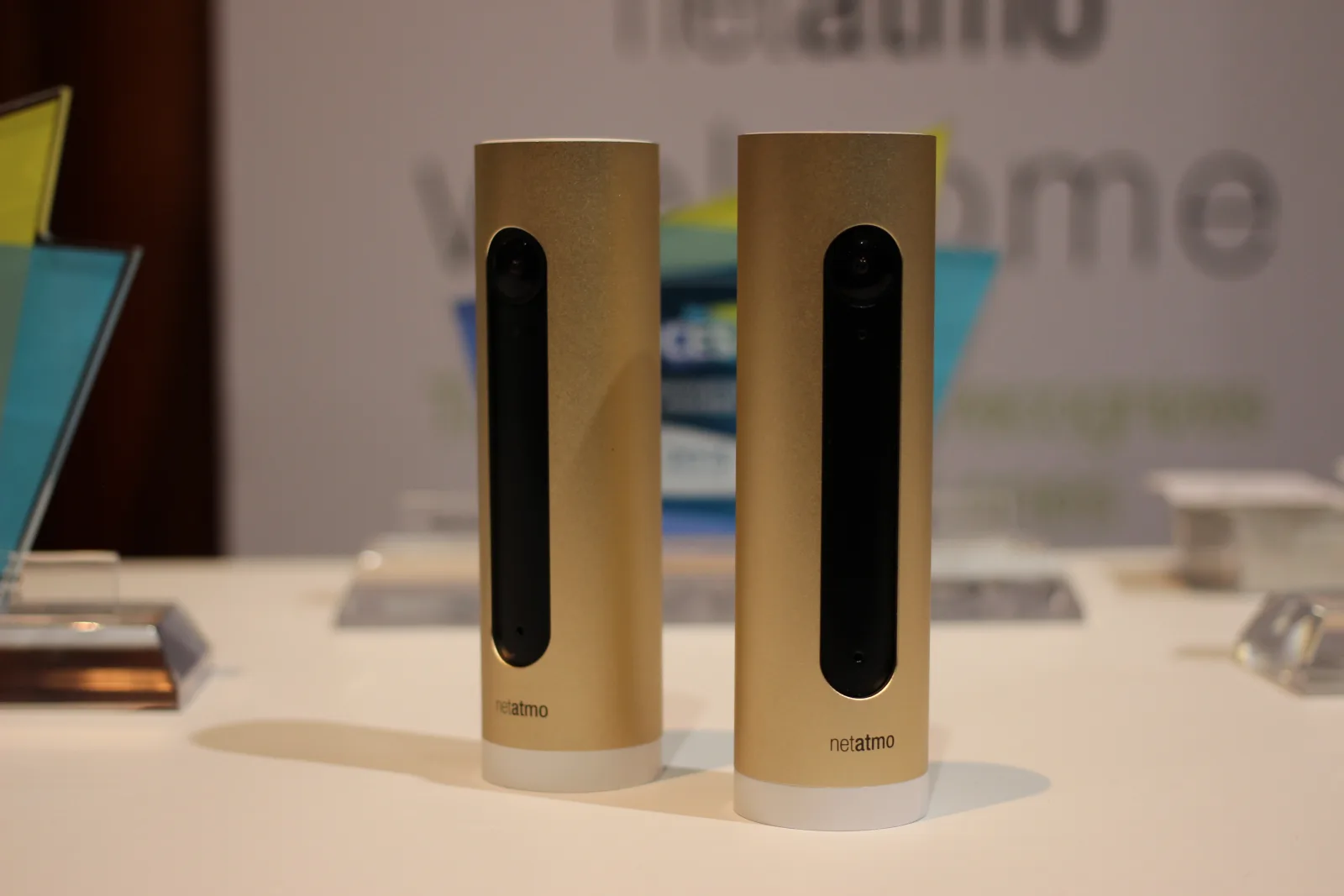
 cameras
cameras
cameras
cameras
cameras
cameras
camerasNo cameras match these filters.
Some links below are affiliate links: we may earn a commission if you buy through them, at no extra cost to you.
HomeKit Secure Video is the reason to buy an Apple Home camera rather than any other kind. A HomePod or Apple TV in your house analyses the footage locally, works out whether it saw a person, an animal, a vehicle or a parcel, and then encrypts the clip end to end before it goes to iCloud. Apple cannot watch it. Neither can the company that made the camera.
Three things are required, and all three are non-negotiable:
- A camera that supports Secure Video. Not every HomeKit camera does.
- A home hub — a HomePod or an Apple TV, permanently at home. Without one you get live view and nothing recorded.
- An iCloud+ plan. 50GB covers one camera, 200GB covers five, and 2TB and above are unlimited. Recordings do not count against that storage allowance; they are on top of it.
There is no extra camera subscription beyond iCloud+, which is the whole argument against Ring and Nest. The trade is ten days of history and an Apple-only audience for the footage. Our full explainer on HomeKit Secure Video covers the rest.
“Works with HomeKit” is not the same as Secure Video
Plenty of cameras appear in the Home app for live view and automations and record nothing to iCloud at all — their footage lives in the manufacturer’s app, behind the manufacturer’s subscription, which is the thing you were trying to avoid.
Every product card below tags Secure Video where the camera supports it, and the comparison table at the foot of the page has a column for it. Check that tag before you check anything else.
HomeKit Secure Video cameras we would buy
Outdoors, and a smart home hub as well: Aqara Camera Hub G5 Pro
The Aqara Camera Hub G5 Pro is two devices in one weatherproof enclosure. It is an outdoor camera, and it carries Zigbee and Thread radios that connect a large number of Aqara sensors, switches and locks — so one box outside the house extends both your camera coverage and your smart home network. It records above 1080p to its own encrypted local storage, and its night footage keeps colour rather than going grey, because the low-light design is built around a wide aperture rather than infrared alone.
A floodlight over the drive: Eve Outdoor Cam
The Eve Outdoor Cam is a 1080p Secure Video camera built into a 1,200 lumen floodlight, with two-way audio. Eve builds for Apple Home first, so there is no second app and no second account, and mains wiring means no batteries to charge.
Outdoors without wiring: eufyCam 2C
If running mains cable outside is not happening, the eufyCam 2C series is the battery answer with Secure Video support.
Indoors, simply: Eve Cam
The Eve Cam is 1080p with night vision, on Wi-Fi with Bluetooth for setup and no hub of its own. Same Apple-first argument as the Outdoor Cam, in a shape that sits on a shelf.
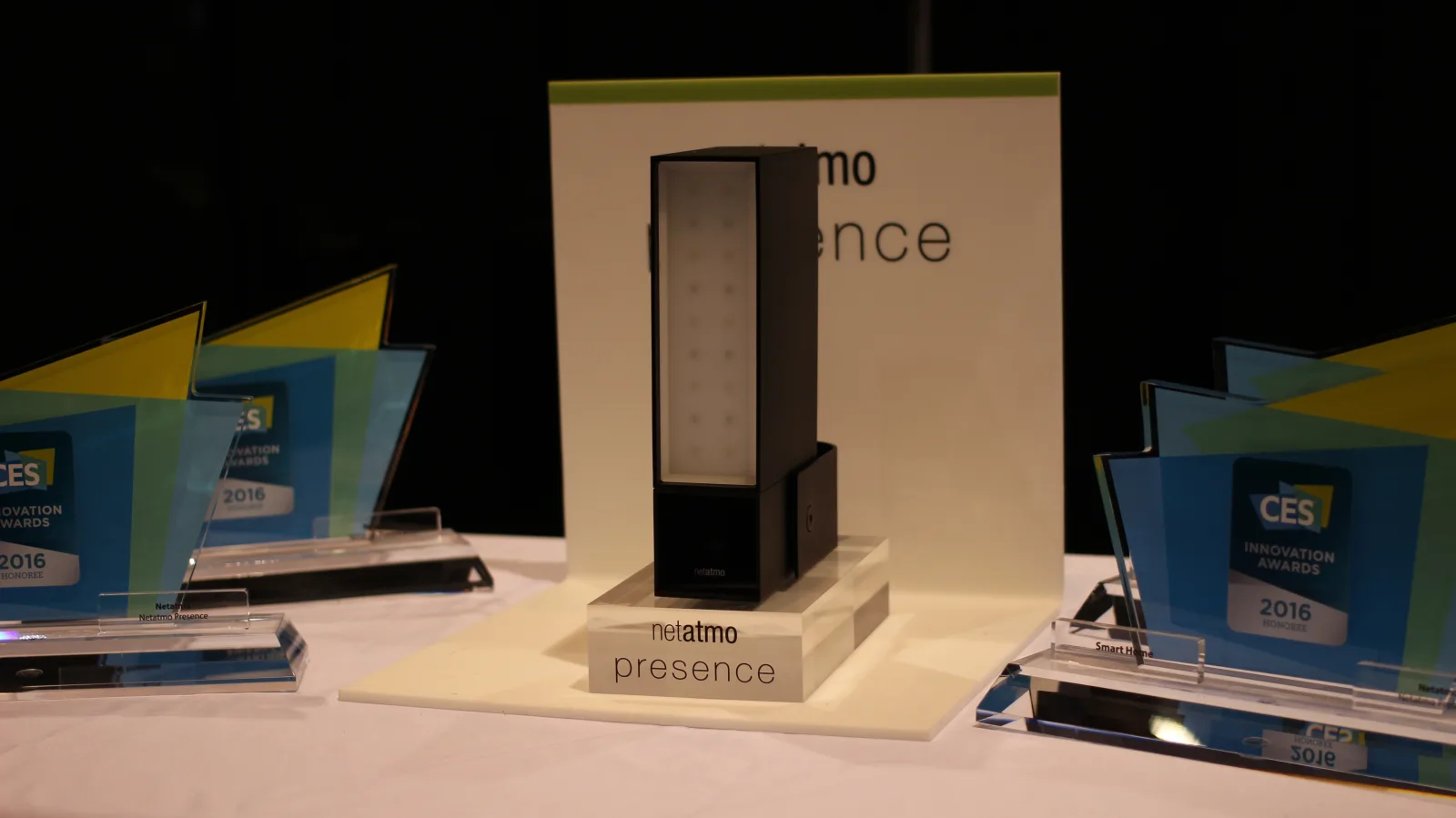
The Netatmo Smart Indoor Camera (Amazon UK) and its outdoor sibling (Amazon UK) are the long-standing alternatives, both 1080p and both Secure Video.
Indoors with Zigbee underneath: Aqara Camera Hub G3
The Aqara Camera Hub G3 does indoors what the G5 Pro does outside: 1080p Secure Video with human detection, plus a Zigbee hub for Aqara’s sensors. If you are going to end up with Aqara door and motion sensors anyway — and they are the cheapest decent ones — buying the hub as a camera is efficient.
We have no buy link for the G3: the Amazon UK listing carrying its name is the Aqara Camera Protect Kit Y100, a four-piece security bundle rather than the camera. Buy it from Aqara or a dealer. The older G2H Pro is the cheaper entry and is listed correctly (Amazon UK).
4K, and footage that never leaves the house: eufy Indoor Cam E30
The eufy Indoor Cam E30 records 4K, pans and tilts to follow people and pets, and adds a spotlight so night footage keeps its colour instead of switching to grey infrared. It also stores locally to a microSD card with no subscription, which makes it the pick if you want a copy outside iCloud.
What to check before you buy
You genuinely need the home hub. This is the requirement people discover after the camera arrives. No HomePod or Apple TV means no recording, no notifications with people in them, and no history.
Ten days. That is the Secure Video retention window. If you need thirty days of footage, HomeKit Secure Video is not the product, and no camera choice changes that.
Wired or battery. A battery camera you have to take down and charge four times a year is a camera that spends some of the year on the kitchen table. Where mains power is possible, use it.
Local storage as well. Some cameras here record to a microSD card alongside Secure Video. That is a second copy that survives an internet outage, and it costs nothing extra.
Count your cameras against your iCloud+ tier before you buy the second one. The jump from one camera to five is a plan upgrade.
The full list of HomeKit cameras in the directory is below, with the Secure Video tag on every card that has it.